YUMI Py 1.0.2
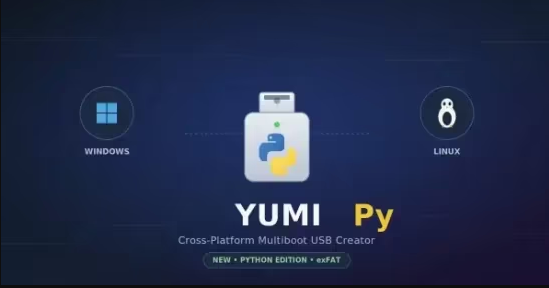
YUMI Py 1.0.2 | Size: 26.14 MB
Language: English
YUMI Py is a standalone Python build of YUMI that runs natively on both Windows and Linux from the same underlying codebase. It supports exFAT formatting, files larger than 4GB, multiboot menu generation, ISO/IMG/WIM/EFI/VHD(x) drag-and-drop support, and persistence for compatible Arch, Debian, Fedora, and Ubuntu based live systems - everything YUMI exFAT does, with one platform-specific exception: on Linux, YUMI Py can't run the guided Windows-On-VHD install (that needs diskpart/DISM, which are Windows-only tools). You can still drag and drop an existing VHD/VHDX file onto a Linux-prepared drive and boot it - you just can't build a brand new one from Linux. See the FAQ below for more detail.
Beyond matching YUMI exFAT's core feature set, YUMI Py adds several capabilities that go further than the original exFAT build
Test Boot without rebooting your PC - boot your prepared drive directly in a throwaway VirtualBox VM (using VirtualBox's raw-disk support so it exercises your drive's actual partition table and bootloader), or boot a single ISO directly in QEMU for a quick live preview, with automatic WHPX (Windows) or KVM (Linux) hardware acceleration.
Install to VM - install a distro into a persistent virtual disk (.vm.qcow2) stored right on the USB drive next to the ISO. Unlike Test Boot's throwaway preview, this disk keeps your changes between sessions, so you get a real installed VM that travels with the drive.
Backup, Restore & Clone - back up an entire prepared drive to a single image file, restore from that image later, or clone one physical drive directly onto another, with an optional verify pass.
System Requirements: Windows 11, Windows 10, 8 , 7
FREE DOWNLOAD LINKS:
https://rapidgator.net/file/7c3fe8e4198662230b6df67d3534ead8/YUMI_Py_1.0.2.rar
https://nitroflare.com/view/B4A630BAB596A09/YUMI_Py_1.0.2.rar

Information
Users of Guests are not allowed to comment this publication.